
0
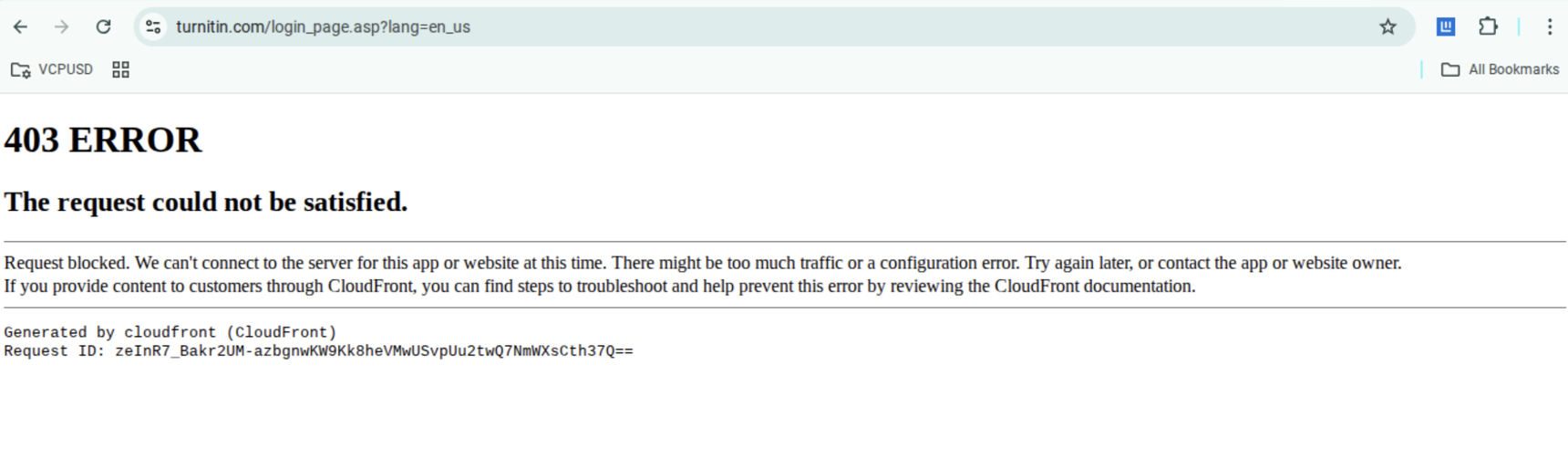
403 error
What do I do about several students who are receiving a 403 error message for multiple days now? They are unable to submit their assignments.
2 replies
-
Hi

A 403 error typically means there may be an issue with access permissions or the session login. Here are a few steps you and your students can try:
- Make sure students are logged into the correct account that is associated with your class or LMS.
- Try submitting in a different browser (Chrome or Firefox recommended).
- Clear cache and cookies in the current browser to reset the session.
For more info, please visit our Help Center article: How to resolve browser related issues. If you need further assistance, we recommend getting in touch with your Turnitin administrator or submitting a ticket to our Turnitin Support team.
Hope this answer is helpful!
- Kat, Turnitin Team -
I also had this issue with a massive number of students. They were using different browsers. I have never had this sort of issue in the past.