
0
Practical Tip #2: Try Clarity with One Assignment
Step 2: Create your first Clarity Assignment
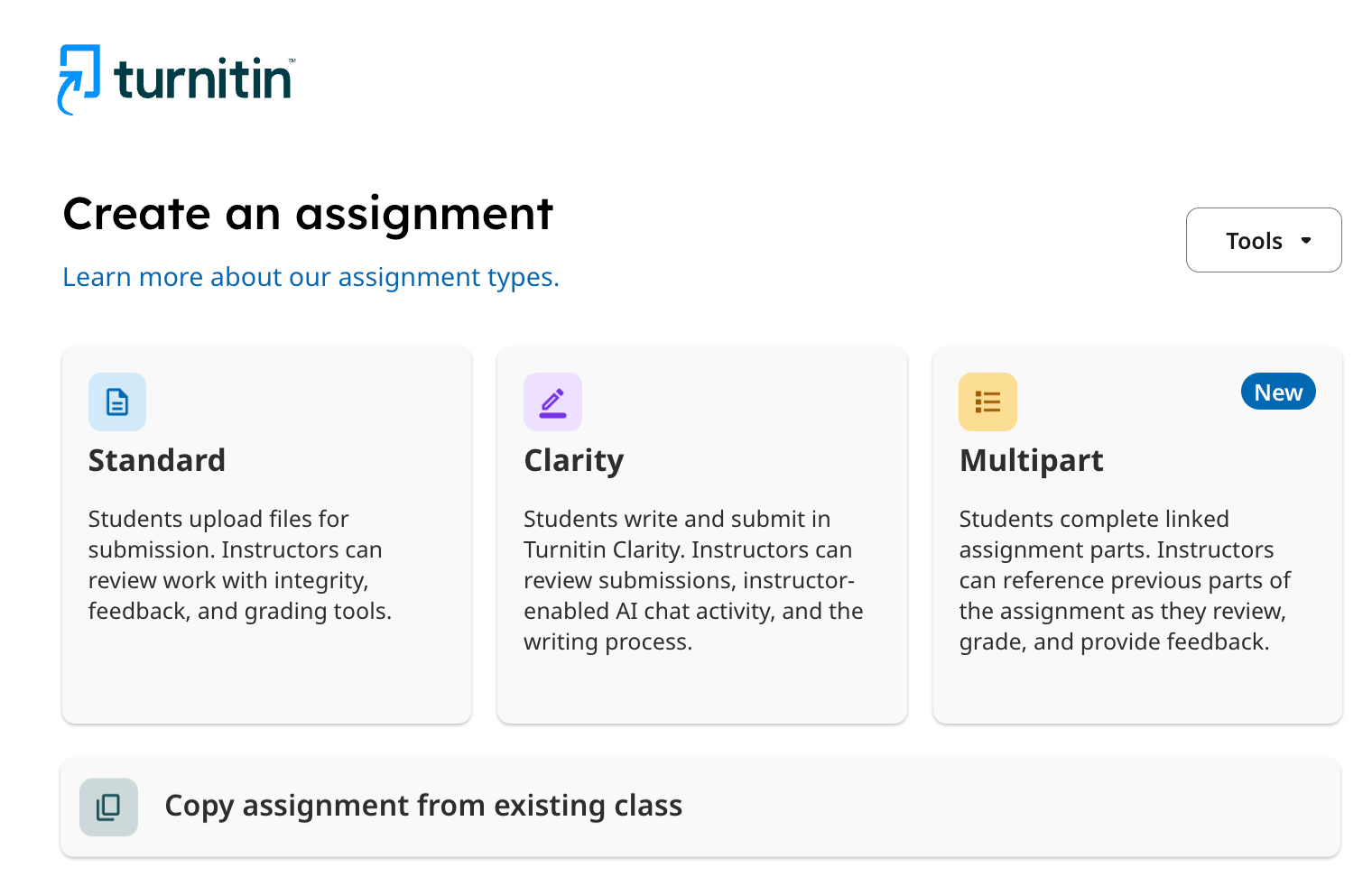
After you select to create a new Turnitin assignment from your class, a modal will appear that will allow you to select the type of assignment you want to create.
Select the Clarity assignment tile.
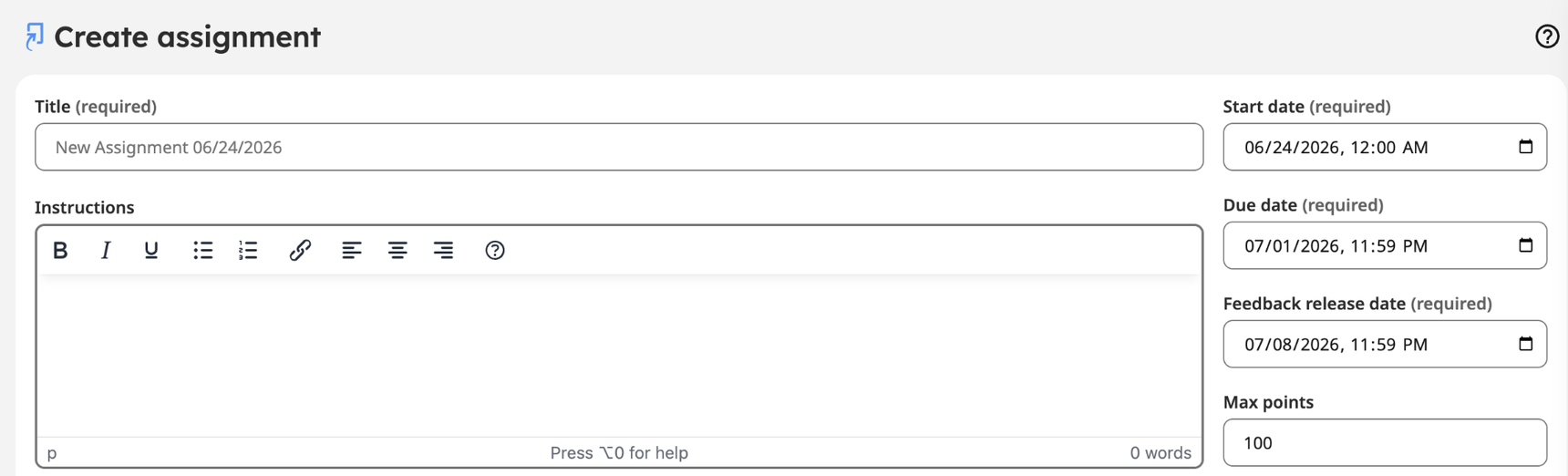
Add the Title (required).
Add Instructions for the assignment (recommended).
```
Add the schedule (required).
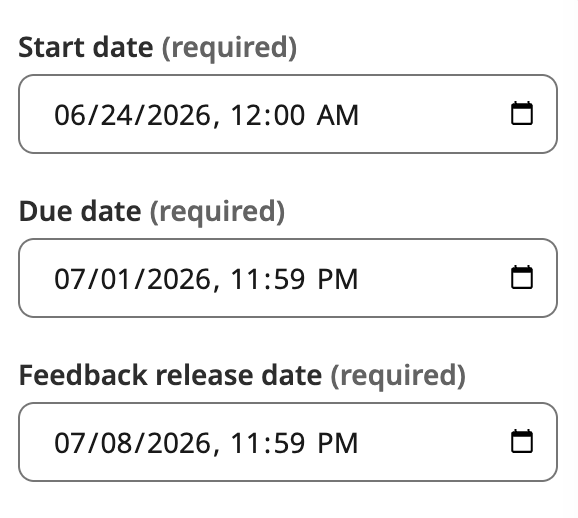
Schedule details
- Select a Start date and time: Date students will be able to start submitting the assignment.
- Select a Due date and Time: Any submissions made after this date and time will be marked as late.
- Select a Feedback release date and time: Date that any grading and feedback is visible to students.
(Video) Choosing the Right Assignment Type
Go deeper: AI use in assignments: Guidance and sample language
Follow the series to make sure you don't miss the latest videos.
Follow the series to make sure you don't miss the latest videos.